
The Review tab
Review lists what your cameras noticed, newest first, the way Frigate’s own Review page does. Each row is a review: a stretch of activity on one camera, from the moment something started happening until it stopped, with everything Frigate saw during it.
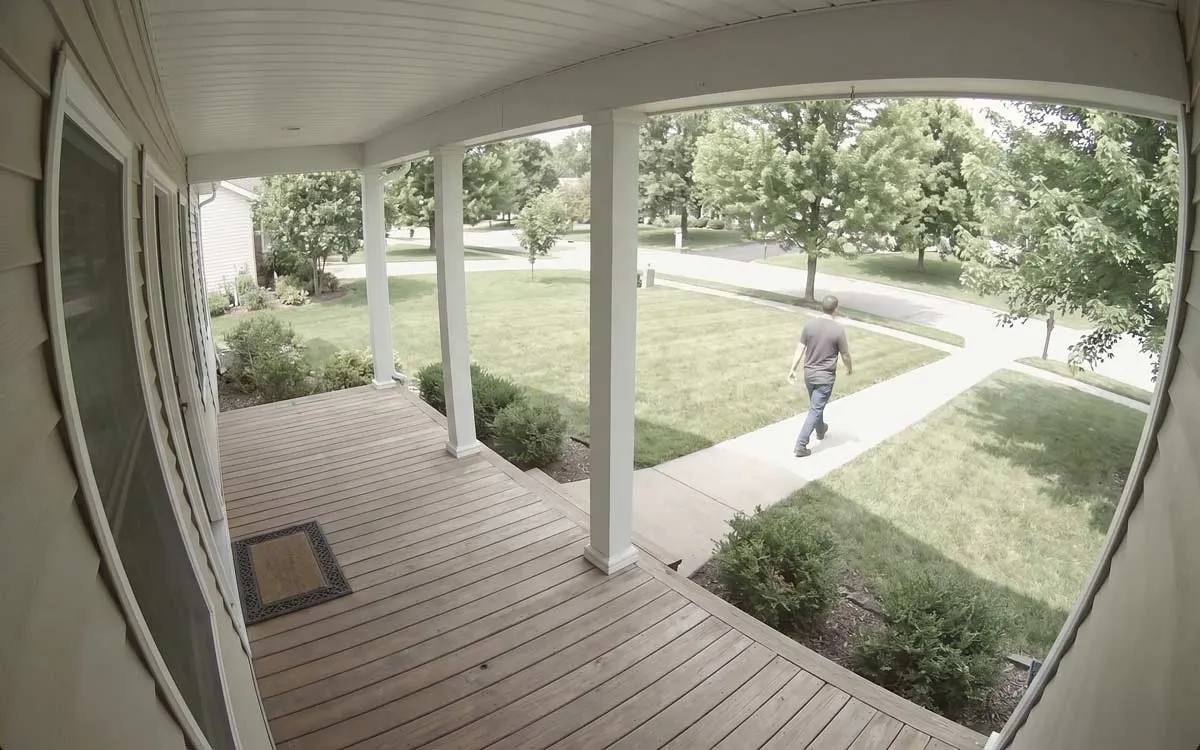
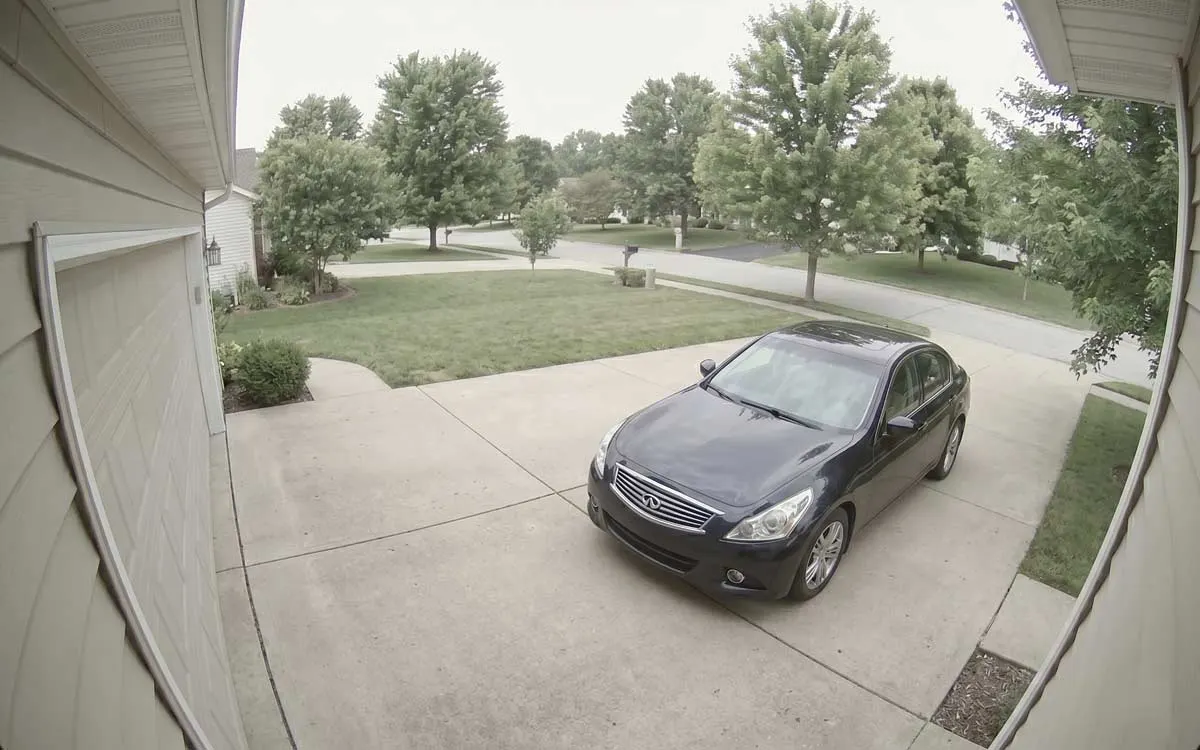
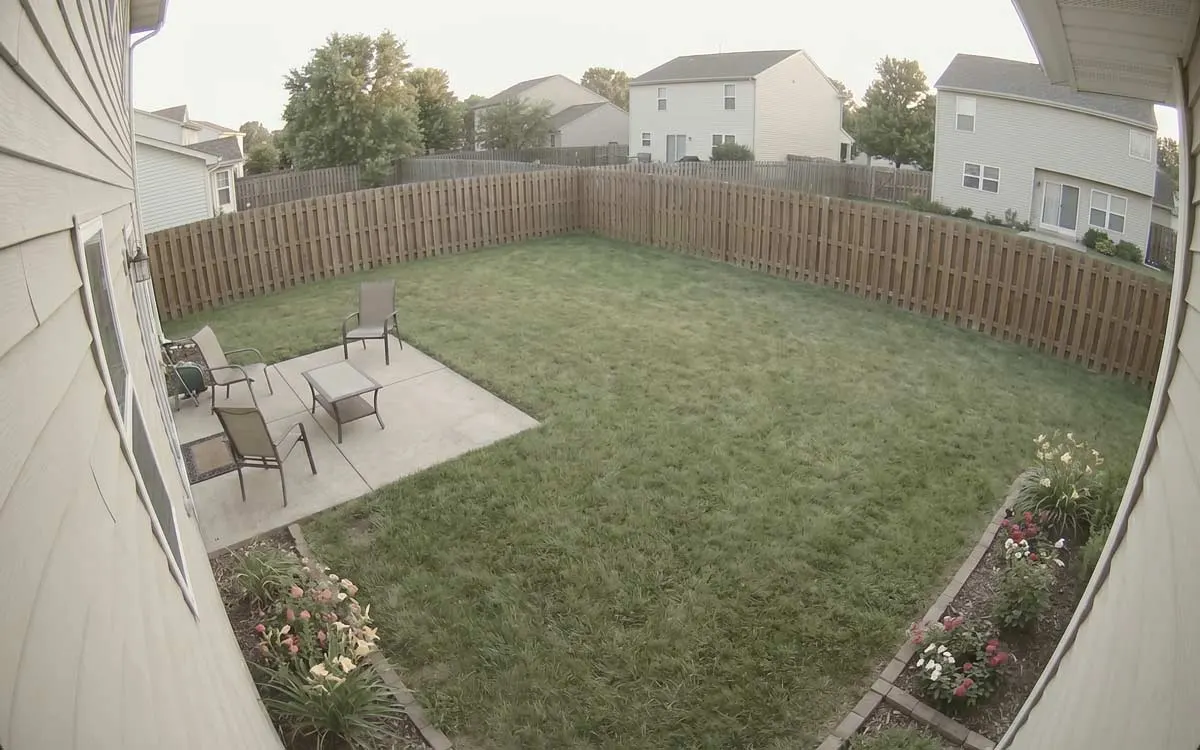
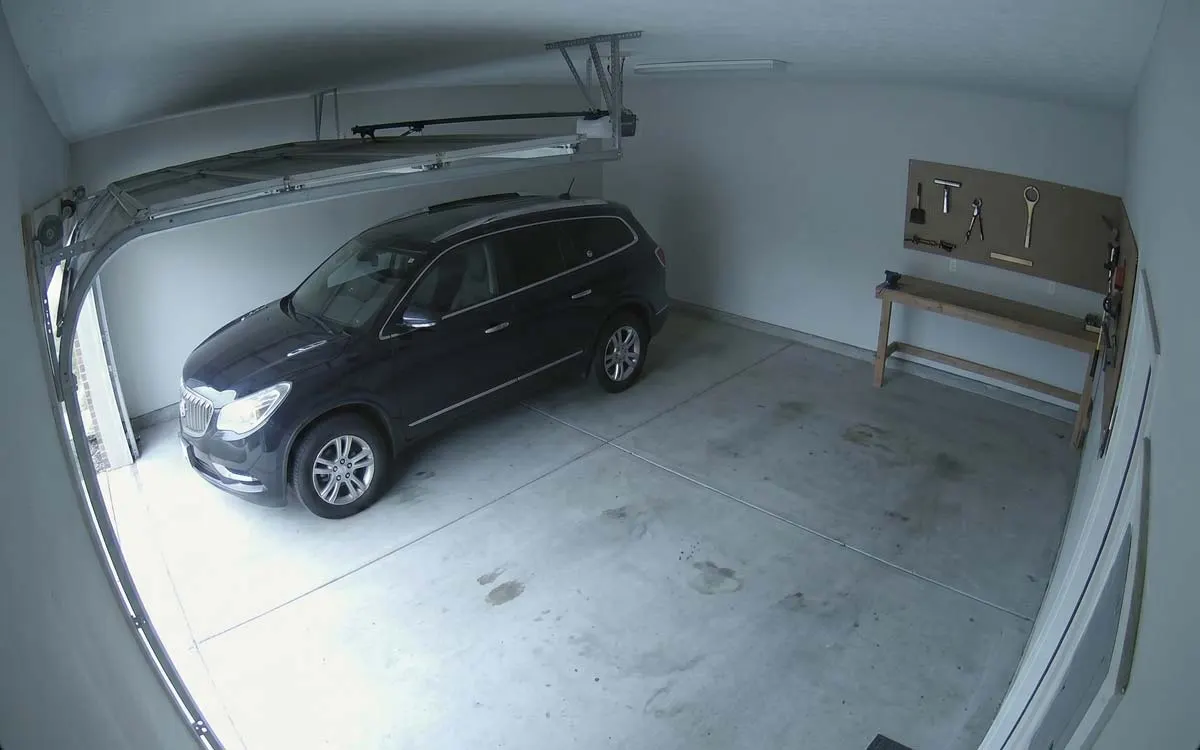
- Alerts, Detections or All: which reviews to list.
- Date and time: one day, or some hours of it.
- Cameras: one camera, several, or a group.
- A review: a moving preview, what was seen, the camera, when, and for how long. Tap it to watch it.
- Not yet reviewed: the dot goes once you’ve opened it.
Alerts and detections
Section titled “Alerts and detections”Frigate sorts every review into one of two kinds, by rules set on your server:
- Alerts (amber) are what matter most: by default, a person or a car, or whatever the server’s review settings name. These are what notify you.
- Detections (a violet ring) are everything else Frigate tracked: a cat crossing the lawn, a car passing in the street outside the zones you care about.
All shows both. The choice is remembered on this iPhone. To change what counts as an alert,
change Frigate’s review settings on the server; the app follows them.
Filter by camera, day and hours
Section titled “Filter by camera, day and hours”Cameras lists your camera groups and every camera. Tick any combination: two cameras, or a group as a quick way to pick its cameras. All cameras clears the choice.
The calendar button opens Date and time:
- Each day’s bar shows how many reviews it had, against the busiest day, so a busy night stands out before you open it.
- Specific hours narrows the day to a window. It can run overnight, such as 10:00 PM to 6:00 AM, into the next day.
- A review counts if any of it overlaps the hours, even if it began earlier.
- Show all dates clears it. Apply keeps it.
Watch a review
Section titled “Watch a review”Tap a review to open the camera’s recordings at the moment it began, with the reviews around it listed underneath. On iPad, the recording opens beside the list instead of over it.
Reviewed and unreviewed
Section titled “Reviewed and unreviewed”A review you haven’t opened yet has a dot. Opening one marks it as reviewed on your server, for your account, just as Frigate’s web interface does, so it’s also marked there and on your other devices. Everyone on your server Reviews someone else opened under a different account keep their dot for you.
The Alerts to Review widget and the Apple Watch’s Alerts tile count the alerts you haven’t reviewed from the last 24 hours. On the watch, Mark All Reviewed clears them in one go.
Pull to refresh
Section titled “Pull to refresh”Pull the list down to fetch the latest reviews. Scroll to the bottom for older ones, until it says No older activity.