
Fregata Mobile documentation
Fregata Mobile is a free, native app for both Frigate and Fregata NVRs: Frigate 0.17 or later, or Fregata on a Mac. It shows your cameras live, lets you scrub through recordings, and sends alerts with the picture and then a short video, on iPhone, iPad and Apple Watch. It talks to your server directly: there’s no Fregata account, and your video never passes through us.
What you need
Section titled “What you need”- An iPhone or iPad on iOS or iPadOS 26 or later. The Apple Watch app needs watchOS 26.
- Frigate 0.17 or later, or any version of Fregata.
- Your NVR’s address, and a username and password for it. An administrator account lets the app set up alerts for you.
AI descriptions and running a shortcut when an alert arrives need iOS 27. Everything else works on iOS 26. See Compatibility.
Start here
Section titled “Start here”The app at a glance
Section titled “The app at a glance”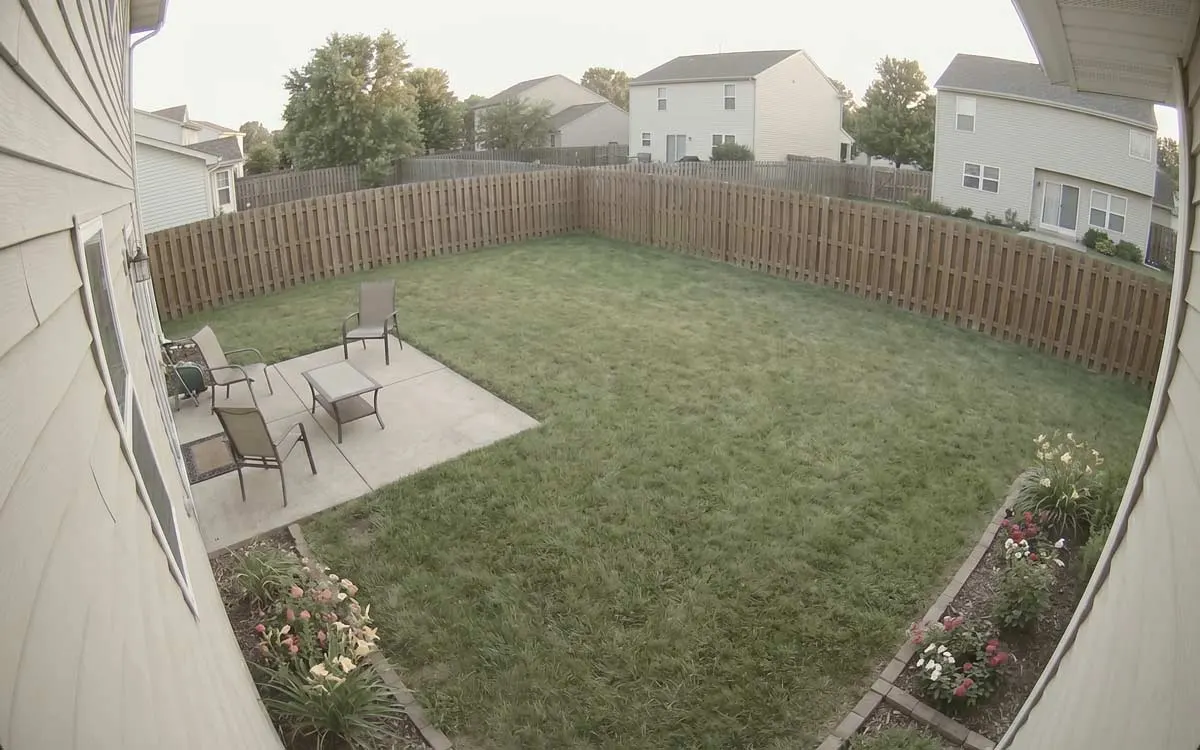
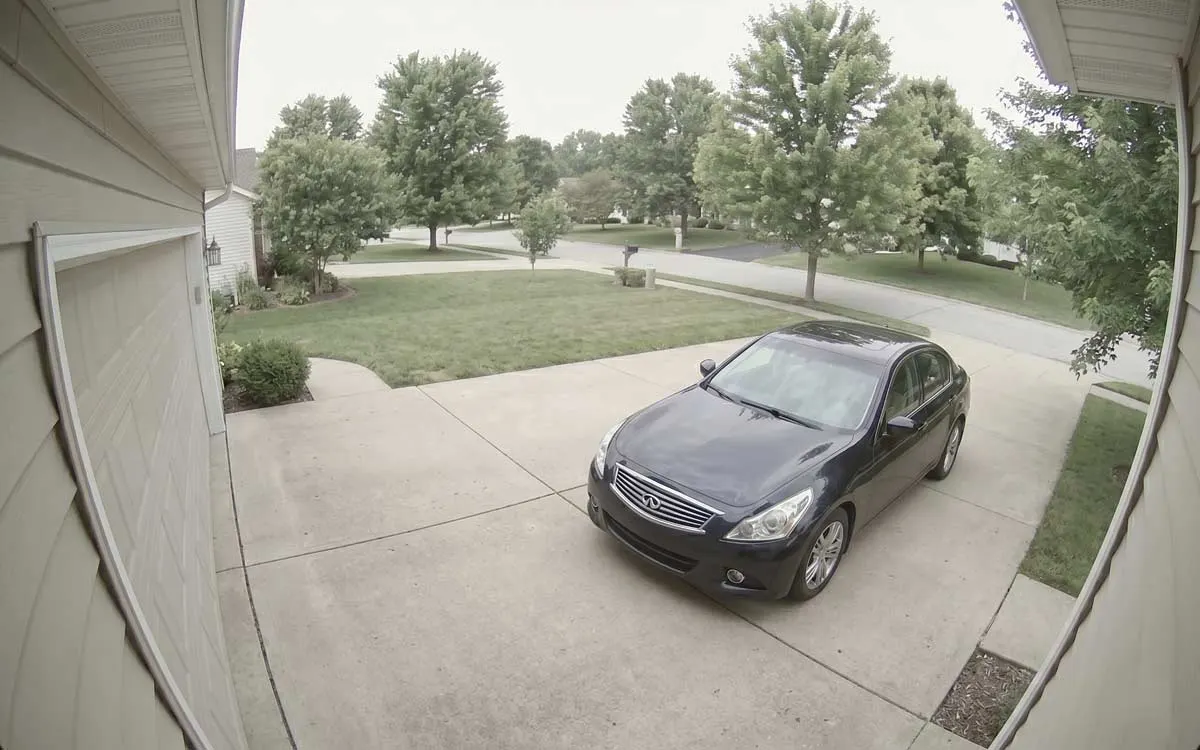
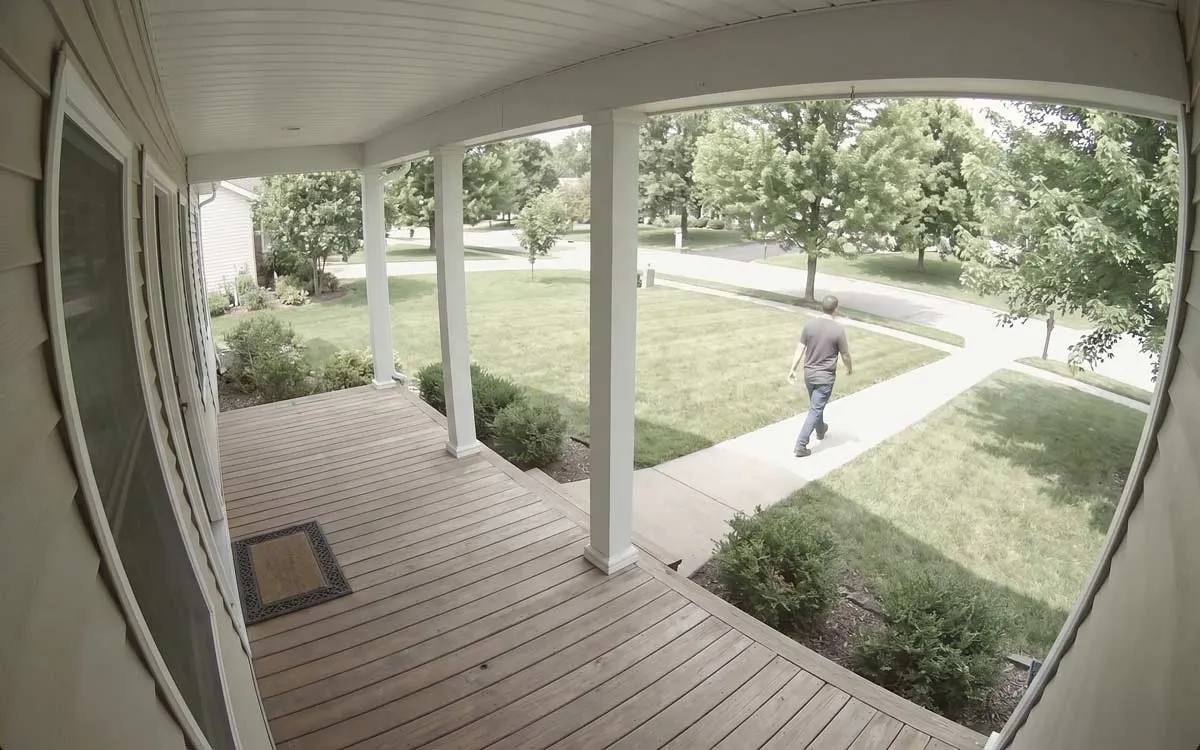
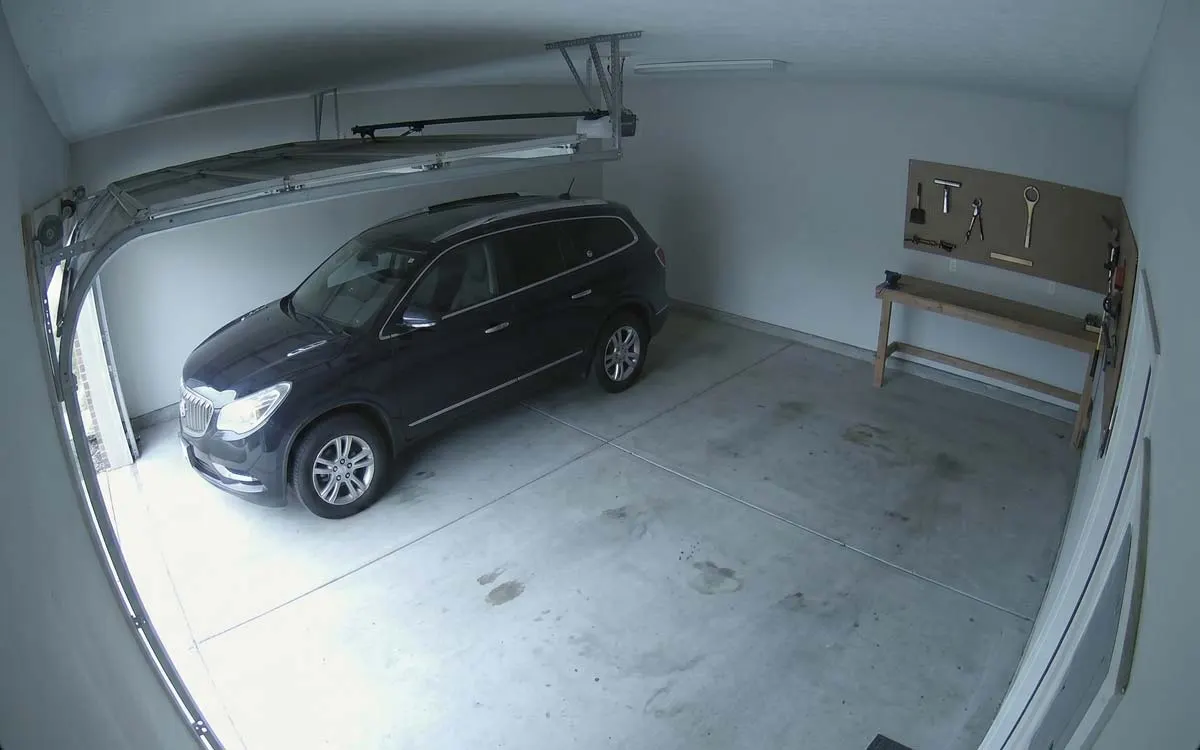
- Cameras ⌄: switch between camera groups and notification filters.
- Layout: grid, list or column.
- A camera: tap to watch it live.
- Recent Alerts: tap one to open its recording.
The app has four tabs:
- Cameras: every camera, with what it last saw. Tap one for live view, and its History button for recordings.
- Review: everything your cameras noticed, as alerts and detections. See Review.
- Explore: every object Frigate tracked, with search in your own words. See Explore.
- Settings: your server, and how alerts reach this iPhone. See Settings at a glance.
Alerts, your way
Section titled “Alerts, your way”Alerts are where most of the choices are, and most of them change only your own iPhone:
Something wrong?
Section titled “Something wrong?”For anything about your Frigate server itself, such as camera setup, zones, recordings or storage, the Frigate documentation is the place to look.